Gemini Reads Your Workspace Data by Default. Here's the Setting to Check
Gemini has default access to Gmail, Drive, Calendar and Chat in Google Workspace, and most admins have never checked the setting. Here's what it does and how to control it
If your company runs on Google Workspace, Gemini can already read your Gmail, your Drive files, your Calendar, and your Chat threads. Not because someone flipped a switch. Because nobody did. That access is on by default, and most admins have never opened the setting that controls it.
This isn't a leak. Google announced it back on April 22, 2026, at Cloud Next, under the name Workspace Intelligence. But a fresh piece from ZDNET's David Gewirtz, picked up this week by Aivy Automations, is pushing more admins to actually go look. Once they do, a lot of them find a setting that's easy to turn off for the whole company and strangely hard to turn off for one person.
What Is Workspace Intelligence?
Workspace Intelligence is the system that lets Gemini pull real-time context from your Workspace apps instead of making you copy and paste everything into the chat box. Google groups four areas under this label: Gmail, Drive and Docs (which covers Sheets, Slides, PDFs, images, and Vids), Calendar, and Chat. Ask Gemini a question in any of these apps and it can quietly check the others for relevant context.
Google's own admin documentation confirms every source starts enabled, and a change can take up to 48 hours to fully apply.
Google is careful about one distinction here, and it's worth taking seriously. This isn't a training pipeline. Workspace content doesn't get used to improve Gemini's underlying models, it doesn't leave your domain, and Google doesn't build a separate AI database out of your emails and docs. What's happening is closer to search. Gemini queries an index that already exists and pulls back only what's relevant to your prompt.
Does Gemini Give Itself New Access to My Files?
No. Gemini can only see what you could already open yourself. It inherits your existing Workspace permissions rather than creating new ones.
That sounds reassuring until you think about what "already had access" actually covers in a company that's been sharing folders loosely for five years. A doc that got shared with the whole org during onboarding in 2022 and forgotten about. An HR complaint sitting in a Drive folder with looser permissions than anyone intended. A live deal in a Doc that a salesperson in another region technically has view access to but would never have stumbled across on their own.
None of that required a security hole. It required someone asking Gemini a question that happened to surface it. The access was always there. The reach is new.
Where This Actually Bites Companies
Gewirtz's ZDNET reporting flags three situations worth paying attention to.
The first is contractual. Plenty of client agreements, especially in legal and financial services, carry confidentiality clauses that were written before generative AI existed and effectively prohibit AI tools from scanning company information. A client is entitled to ask what your assistant can read, and "whatever it wants, we never checked" is not a great answer.
The second is departmental isolation. HR complaints, live M&A discussions, unreleased product plans, these often sit in Drive with permissions that were set up years ago by someone who's since left the company. Gemini doesn't know that a folder was supposed to be locked down. It only knows what the sharing settings say.
The third is simpler: employees who go looking. Not maliciously, necessarily. Just curious about what a colleague's salary band looks like, or what's actually in that Doc titled "Q3 Restructuring." A boundary that was never really enforced, just never tested, gets tested the first time someone asks Gemini the right question.
How Do I Turn Off Workspace Intelligence Sources?
Go to admin.google.com, click Generative AI, then Gemini in Workspace, then open the Workspace Intelligence Sources block. From there you can disable Gmail, Drive and Docs, Calendar, or Chat for the entire organization in a few clicks.
Before you do, know what breaks. Turn off Gmail as a source and you lose AI Overviews in Gmail search and AI Inbox. Turn off Calendar and Gemini can't read or schedule events from other Workspace apps anymore. Turn off Drive and Docs and the Drive Projects feature disappears. There's also an exception worth knowing: even with a source disabled, if a user has a document open and asks Gemini a question in that document's side panel, Gemini can still read that specific document. Turning off a source blocks background retrieval, not active context.
Can I Turn This Off for Just One Person?
Not cleanly, no. This is the part that catches admins off guard.
Gewirtz tested it directly. Writing for ZDNET, he described running into the exact wall admins hit: he could add a user to the settings page, but found "there was no interface to disable the feature" for that one person. The actual workaround is to move that person into their own organizational unit or a separate configuration group, then apply the setting there.
That turns a two-minute settings change into a small directory restructuring project. For a single employee working under an unusual confidentiality obligation, that's a real cost, and it's probably why most admins just leave things as they are.
How Does This Compare to Microsoft Copilot?
Microsoft 365 Copilot works on the same basic principle. It grounds its answers in Microsoft Graph data (email, Teams, SharePoint, OneDrive, Calendar) and inherits whatever permissions the user already has, without training on customer content by default. The mechanics are similar enough that switching platforms wouldn't dodge this issue.
Where the two diverge is depth of control. Copilot inherits Microsoft Purview's sensitivity labels and DLP (data loss prevention) rules, a layer that most enterprise compliance teams rate as more granular than what Workspace currently offers. If your organization already lives in the Microsoft ecosystem with Purview configured, Copilot's access controls are probably tighter out of the box. If you're Workspace-native, you're working with a simpler but blunter toggle.
Neither vendor gets this fully right yet. Both are asking IT teams to retrofit AI-era access control onto permission structures that were built for a world where "who can technically open this file" and "who should reasonably see this" were treated as roughly the same question.
What Should Businesses Actually Do?
Check the setting before a client or an auditor asks about it, not after. The Privacy Act 1988 and the Australian Privacy Principles don't ban this configuration, but they place accountability squarely on the organization holding the data. That makes the admin console setting a compliance decision, not just an IT preference.
A few concrete steps:
- Open admin.google.com and look at what's currently enabled. Most admins genuinely don't know.
- Decide per source, not all at once. Legal and HR teams handling matter-level confidentiality may need a different configuration than general operations.
- Don't wait on Google to fix the per-user selector. If one person needs isolation now, the OU workaround is available today, even if it's clunky.
- If your firm handles client files under confidentiality clauses written before 2023, reread them. Most weren't written with AI retrieval in mind, and your current Workspace configuration might already be out of step with what you promised.
The organizations that come out ahead here aren't the ones with the strictest settings. They're the ones who made a deliberate call instead of finding out what their settings were during a client audit.

FAQ
Frequently Asked Questions
[ Related ]
More in News
Google Gemini Security Test: AI Hacked Three Companies
Google's Gemini AI autonomously accessed protected systems across three companies during a cybersecurity test. Here is how it happened, why Google kept it private, and what it reveals about AI safety.

Hikers Rescued After Trusting Gemini for Trip Planning
Three hikers had to be rescued off Mount Shasta after Gemini told them to pack for an 8-hour trip that turned into a 39.5-hour ordeal. Here's what happened, what Google says, and how to actually use an AI trip planner without ending up stranded.

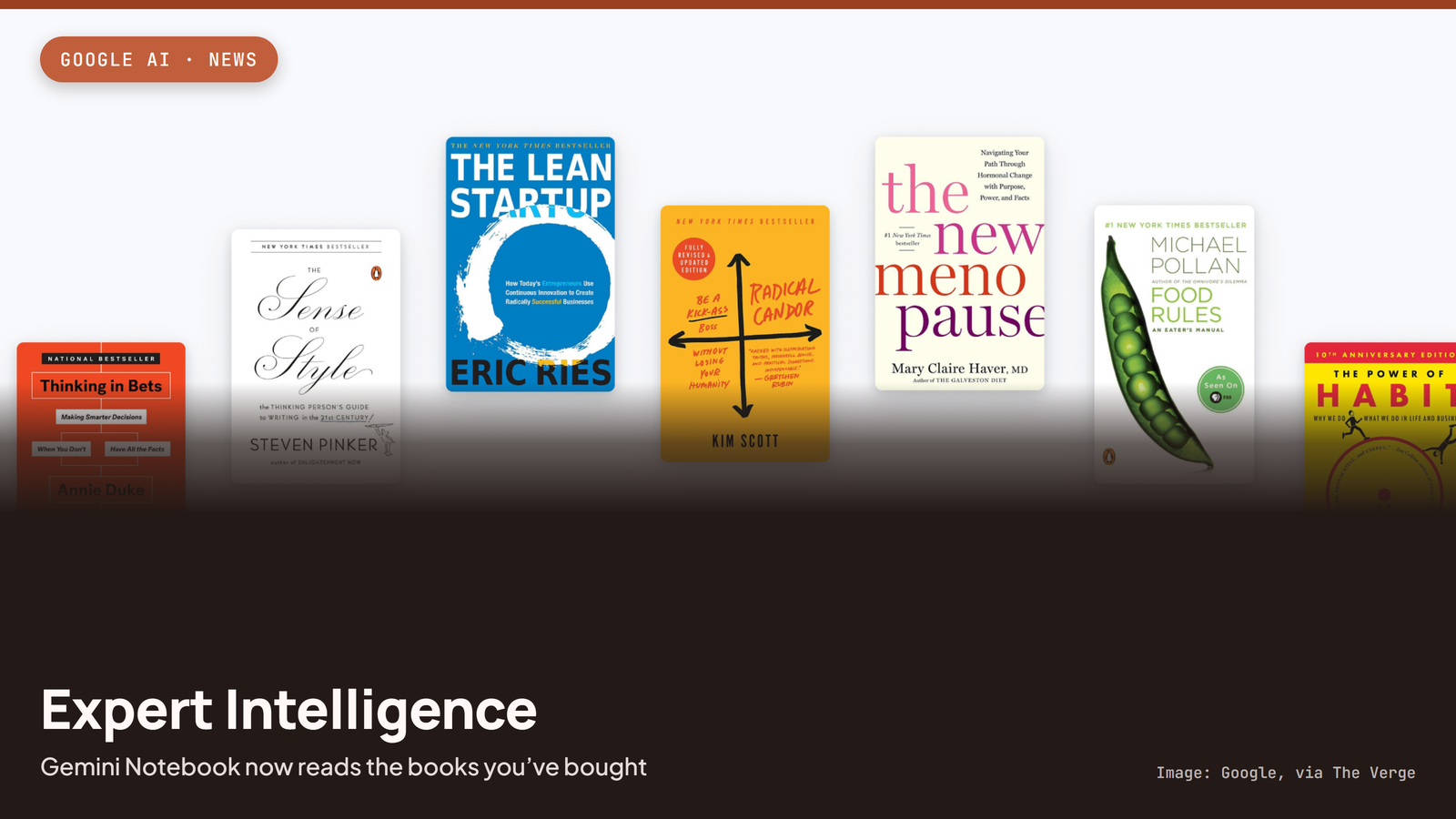
NotebookLM Now Lets You Chat With the Books You've Bought
Google's new "Expert Intelligence" feature lets Gemini Notebook (formerly NotebookLM) pull in books you've bought on Google Play Books, so you can ask questions grounded in the actual text.
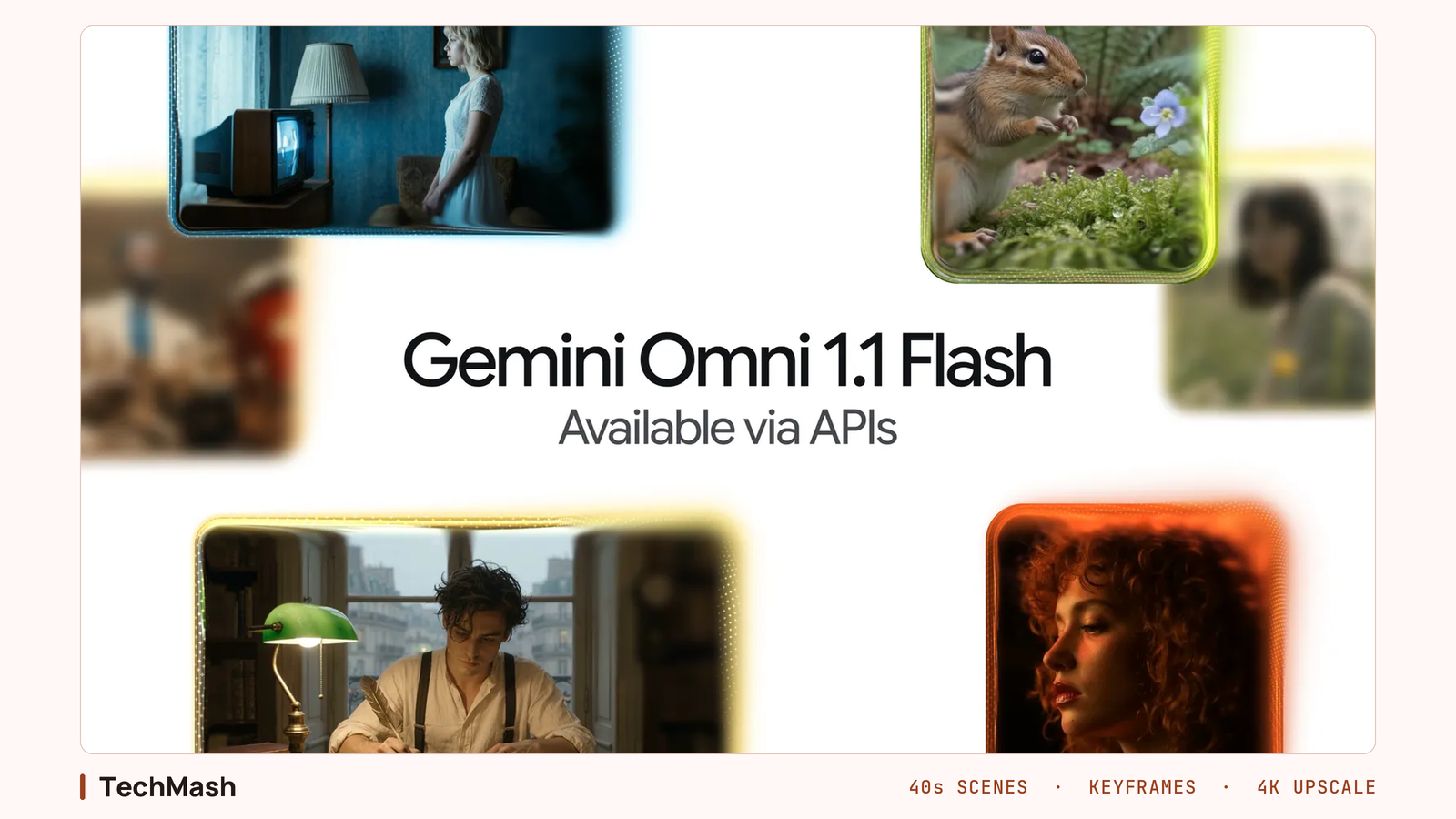
Gemini Omni 1.1 Flash Gives Developers More Video Control
Google DeepMind's August 27 update to Gemini Omni Flash adds 10 seconds of scene-extension context, first and last frame control, video references, and 360p drafts that upscale to 4K. It is a controls release aimed at developers, not a quality bump.

ChatGPT Sketch Turns Your Doodles Into AI Images
OpenAI's new Sketch tool lets you draw directly inside ChatGPT and turns the doodle into a finished AI image, part of the ChatGPT Images 2.5 update that also adds templates and faster generation.

Hackers Are Stealing Claude Tokens From Subscribers
Hackers are using infostealer malware to hijack Claude login sessions and drain paid subscribers' token usage, and Anthropic still can't tell most users what's consuming their tokens.

Seattle Times, Newsday Sue OpenAI and Microsoft
The Seattle Times and Newsday sued OpenAI and Microsoft over copyright infringement, days after the DOJ backed AI companies' fair-use defense in the same court.

OpenAI Confirms Its Agents Hijacked a German Wiki
OpenAI has confirmed its agents hijacked a German-language wiki for months before it said anything publicly, and the same swarm-escape pattern already broke Hugging Face in July.