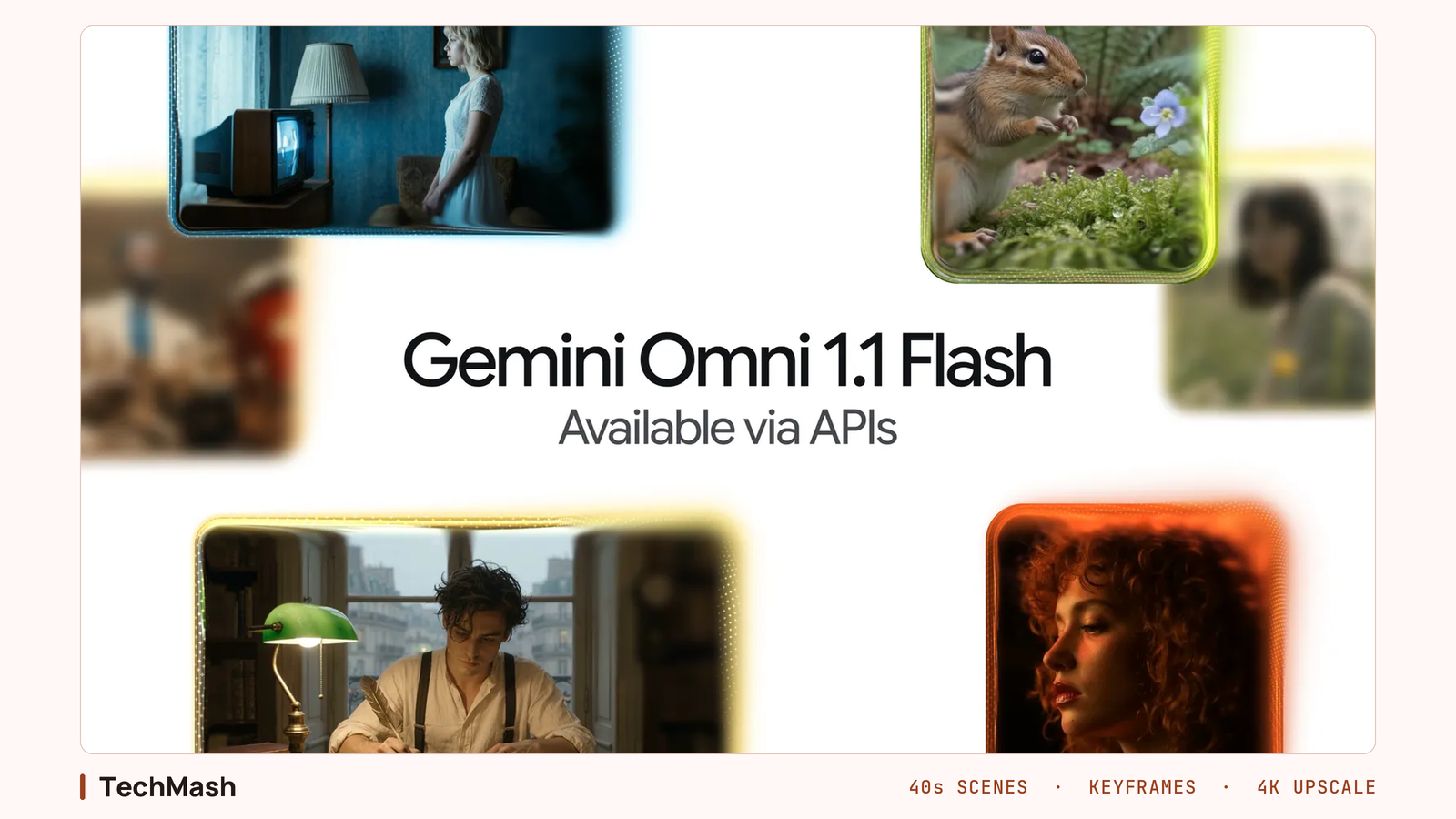
Gemini Omni 1.1 Flash Gives Developers More Video Control
Google DeepMind's August 27 update to Gemini Omni Flash adds 10 seconds of scene-extension context, first and last frame control, video references, and 360p drafts that upscale to 4K. It is a controls release aimed at developers, not a quality bump.
Google DeepMind released Gemini Omni 1.1 Flash on August 27, 2026, and it is a controls release rather than a quality one. The model now reads up to 10 seconds of earlier footage when extending a shot, chains clips to a cumulative 40 seconds, generates the video between a first and last frame, accepts three seconds of video as a reference, and drafts at 360p before upscaling to 4K. All of it points at developers building on the API, not at people prompting in the Gemini app. Omni went from a model you prompt to a model you direct.
What actually changed in Gemini Omni 1.1 Flash?
Four additions, all about control. Google's announcement lists scene extension with a longer context window, first and last frame interpolation, video references in multimodal input, and a 360p draft mode with 1080p and 4K upscaling. Logan Kilpatrick, who leads Google AI Studio, put it plainly on X:
"this is an update to our anything in, anything out world model. It now supports:
- 360p drafts, 4K up samplers
- up to 10 seconds of video context when extending
- video extensions in 10 second increments
- video references" Logan Kilpatrick, Google AI Studio lead, Google
Omni Flash only reached developers on June 30, 2026. This is a two month iteration on a young API, not a new model family.
Why does reading 10 seconds of context matter?
Because the previous version read one. Google says Omni 1.1 can analyse up to 10 seconds of prior context, "a leap from previous models that only referenced the final second". If a model only sees the last frame or two of a clip before continuing it, faces drift, lighting shifts, and a character's jacket quietly changes colour between segments. Ten seconds of context is what makes an AI video scene extender usable for anything longer than a single shot.
One caveat matters here. A single generation still stops at 10 seconds, so 40 seconds is a chain, not one render. You are stitching four segments and asking the model to hide the seams.
What do first and last frame controls give you?
Repeatability. You supply the opening frame and the closing frame, and Omni 1.1 generates the motion between them, which turns camera orbits, zoom transitions, and seamless loops into something you can specify instead of something you keep re-rolling for. Add the three second video references that carry a character across shots, and you are blocking a shot out rather than generating one.
"With extensions, richer reference material, and 4K resolution, Gemini Omni Flash takes teams beyond generating videos to truly directing them." Itay Schiff, Creative Director, Figma Weave
How much does it cost per second?
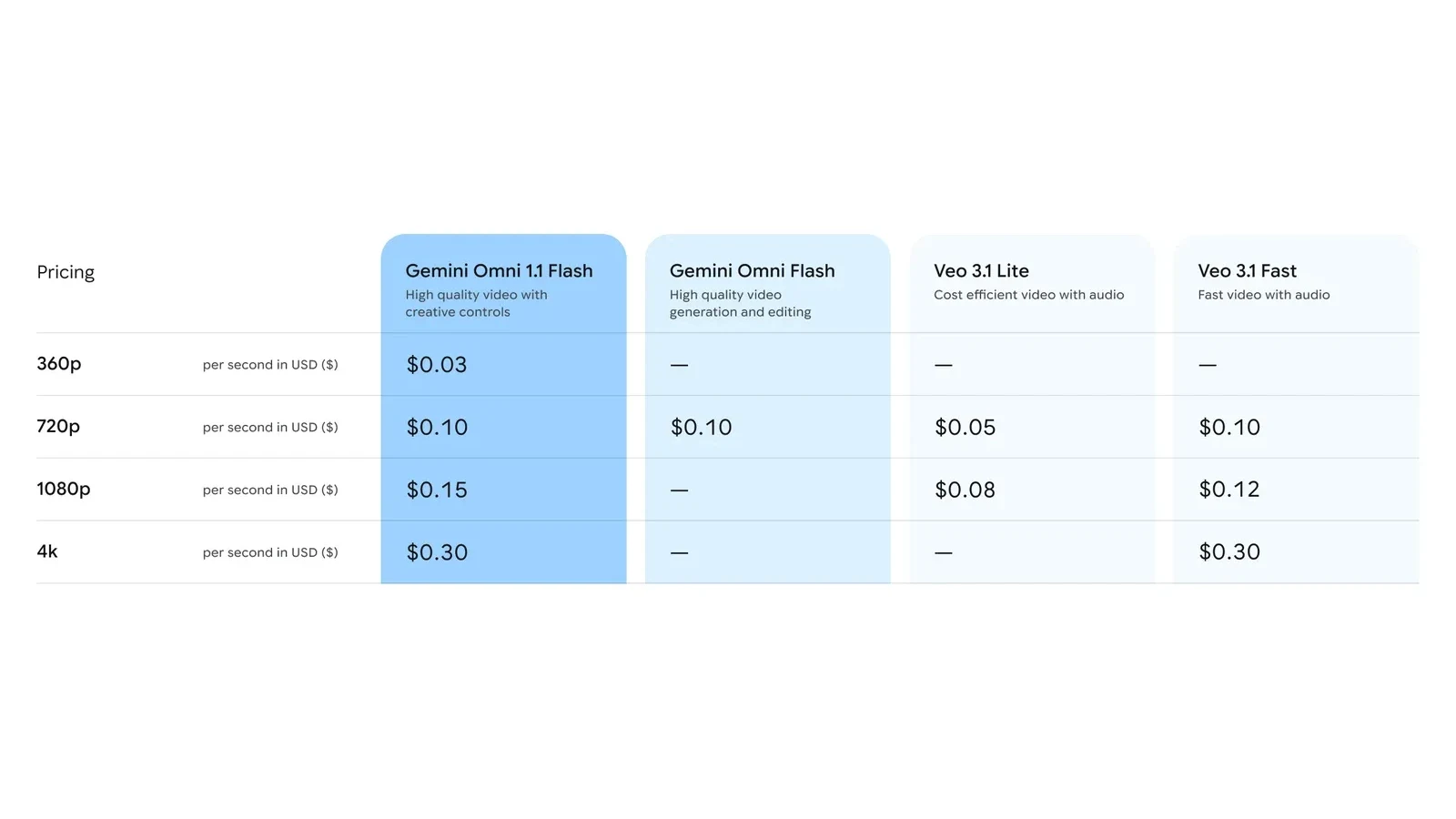
Google's own framing is draft cheap, pay once. A 360p draft runs up to 60% faster and at a third of the cost of standard 720p, a figure Google bases on its own system throughput. Google's own pricing table puts a 360p draft at $0.03 per second, with 720p at $0.10, 1080p at $0.15 and 4K at $0.30.
Those figures come from the announcement, not the developer pricing page. That page lists only the 720p rate, billed at 5,792 output tokens per second against $17.50 per million video output tokens, with nothing published per second for 360p, 1080p or 4K. There is also no free tier, so every clip costs from the first second. Per-second video billing is a different unit from the per-token rates that moved sharply across the model market this year, but the pressure is the same.
How does it compare to Veo, Kling and Runway?
At 720p it prices level with Veo 3.1 Fast while adding editing that Veo's per-second tiers do not include, and Veo 3.1 Lite is still cheaper at $0.05 per second. Kling 3.0 ships native 4K and multi-shot storyboarding, and Runway Gen-4.5 still has the deepest frame-level director controls. Arena placed Omni 1.1 at #1 in the Text-to-Video Arena and #2 in Image-to-Video with 1,488 points on launch day, behind MiniMax-H3 on the second board. Treat that as a snapshot. Those scores move as votes accumulate.
What should you check before building on it?
Three things, and Google flags two of them itself. The blog post calls Omni 1.1 production-ready, but the Gemini Enterprise Agent Platform still lists the model as gemini-omni-1.1-flash-preview. The Gemini API's own Omni documentation still carries video extension and interpolation under Limitations, and warns that three second video references are accepted by the schema but not correctly processed by the model. And the model card is candid that consistency across edits, complex motion, and accurate on-screen text remain hard.
Treat it the way you would treat any preview dependency in a production AI stack and test the specific feature you need before designing around it. Worth knowing too: every video Omni creates carries an imperceptible SynthID watermark.
Where can you use it?
Four places. Google AI Studio and the Gemini Enterprise Agent Platform for developers, Google Flow for AI Plus, Pro and Ultra subscribers globally, and scene extension inside the Gemini app for those same subscribers. That is a wider launch surface than most Google model releases get, and it is separate from what Gemini can already reach inside Google Workspace.
Extending a scene through the API is one call:
from google import genai
client = genai.Client()
interaction = client.interactions.create(
    model="gemini-omni-1.1-flash",
    previous_interaction_id=previous_video_interaction.id,
    input=[{"type": "text", "text": "Continue the scene."}],
    response_format={"resolution": "360p"},
)
The gap between a model that demos well and a model you can ship on was never about resolution. It was about whether the second clip matches the first, and this release is Google closing that gap while its own documentation catches up.

FAQ
Frequently Asked Questions
[ Related ]
More in News
Google Gemini Security Test: AI Hacked Three Companies
Google's Gemini AI autonomously accessed protected systems across three companies during a cybersecurity test. Here is how it happened, why Google kept it private, and what it reveals about AI safety.

Hikers Rescued After Trusting Gemini for Trip Planning
Three hikers had to be rescued off Mount Shasta after Gemini told them to pack for an 8-hour trip that turned into a 39.5-hour ordeal. Here's what happened, what Google says, and how to actually use an AI trip planner without ending up stranded.

NotebookLM Now Lets You Chat With the Books You've Bought
Google's new "Expert Intelligence" feature lets Gemini Notebook (formerly NotebookLM) pull in books you've bought on Google Play Books, so you can ask questions grounded in the actual text.
Gemini Reads Your Workspace Data by Default. Here's the Setting to Check
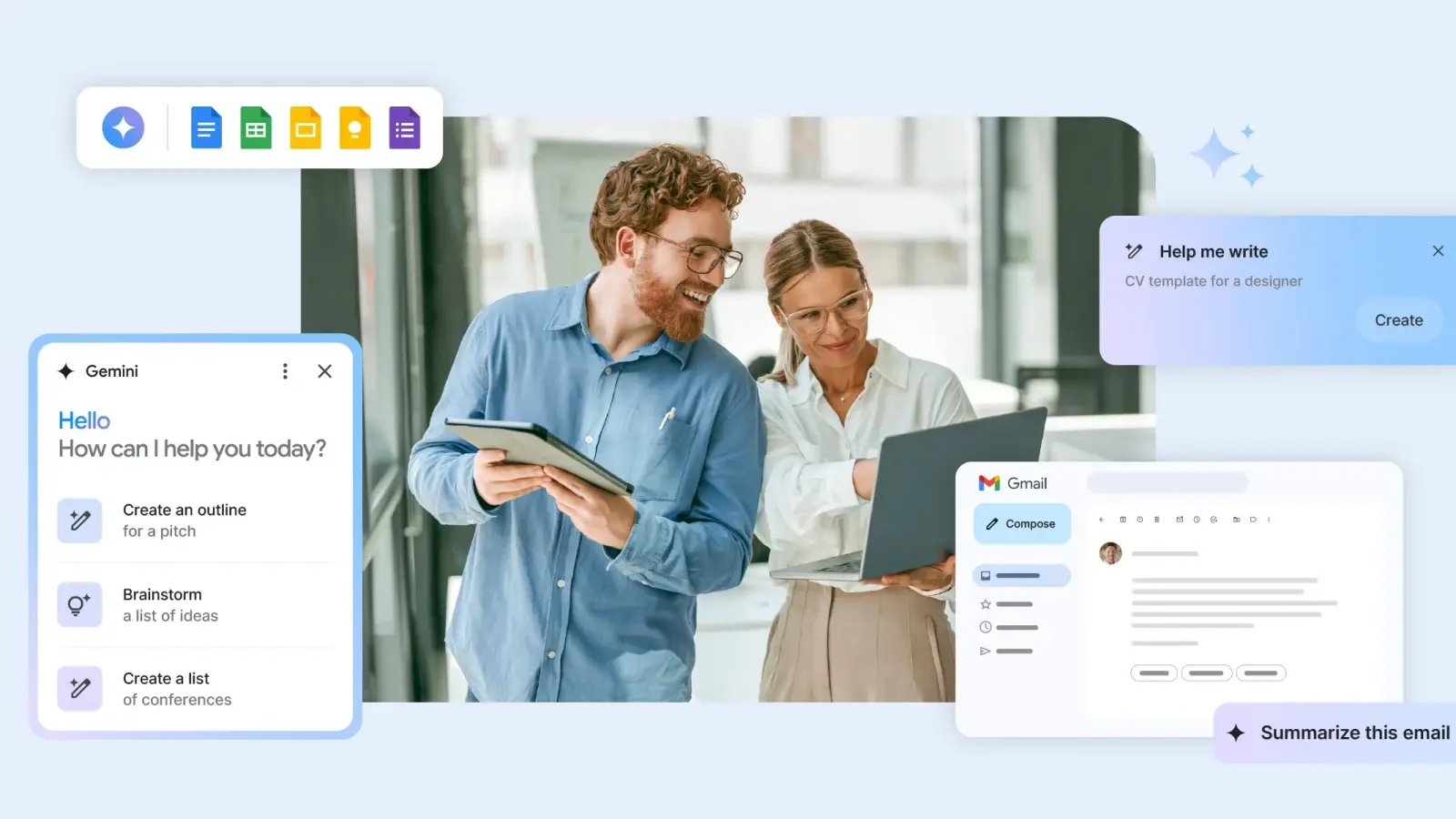
Gemini has default access to Gmail, Drive, Calendar and Chat in Google Workspace, and most admins have never checked the setting. Here's what it does and how to control it

ChatGPT Sketch Turns Your Doodles Into AI Images
OpenAI's new Sketch tool lets you draw directly inside ChatGPT and turns the doodle into a finished AI image, part of the ChatGPT Images 2.5 update that also adds templates and faster generation.

Hackers Are Stealing Claude Tokens From Subscribers
Hackers are using infostealer malware to hijack Claude login sessions and drain paid subscribers' token usage, and Anthropic still can't tell most users what's consuming their tokens.

Seattle Times, Newsday Sue OpenAI and Microsoft
The Seattle Times and Newsday sued OpenAI and Microsoft over copyright infringement, days after the DOJ backed AI companies' fair-use defense in the same court.

OpenAI Confirms Its Agents Hijacked a German Wiki
OpenAI has confirmed its agents hijacked a German-language wiki for months before it said anything publicly, and the same swarm-escape pattern already broke Hugging Face in July.