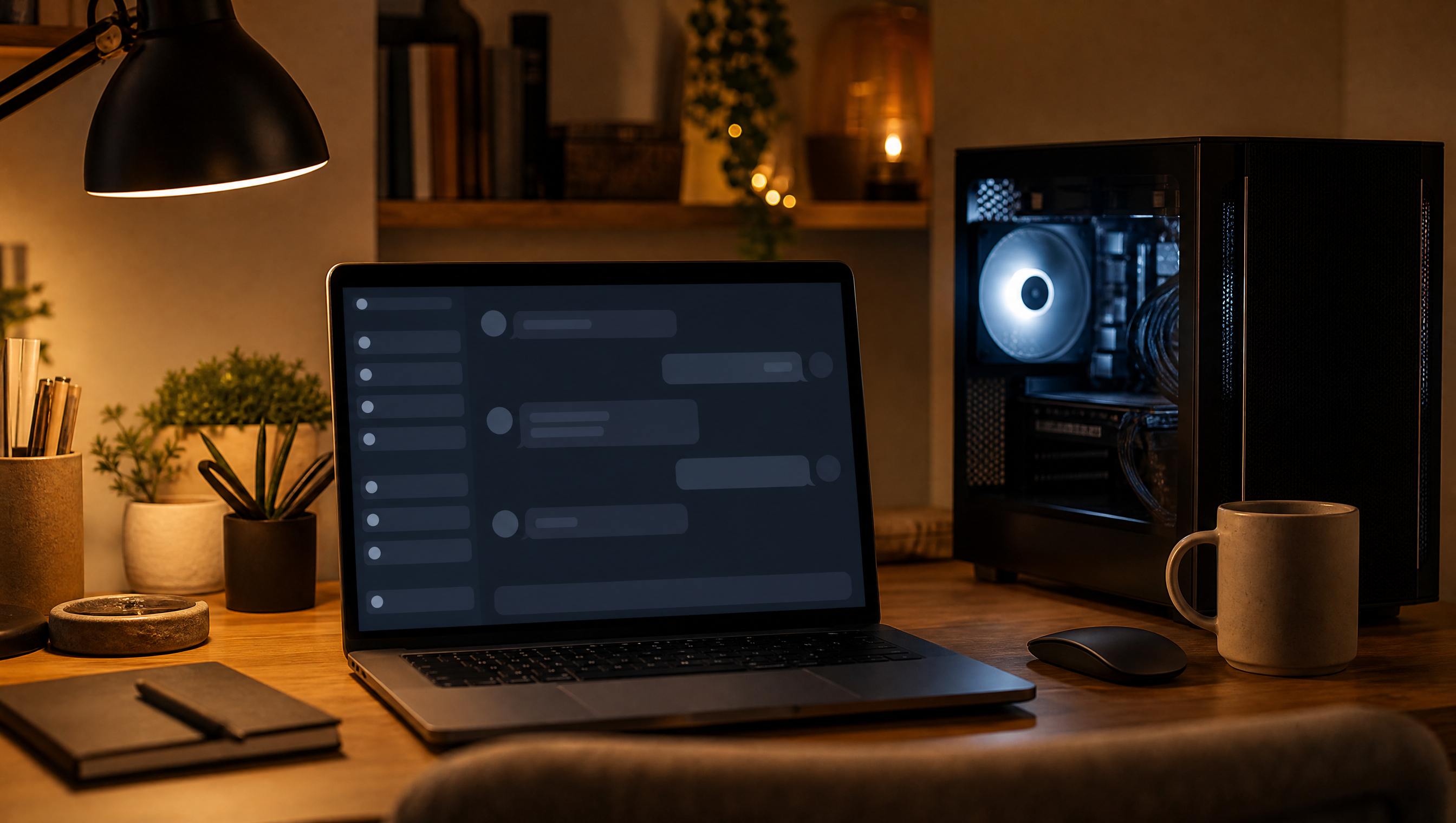
How to Run an AI Chatbot Locally on Your Own PC
A step-by-step guide to running a private, offline AI chatbot on your own PC using free tools like Ollama and LM Studio, plus the hardware, models, and tradeoffs to know before you start.
You can turn a Windows, Mac, or Linux computer you already own into a private, ChatGPT-style chatbot, for free, in about fifteen minutes. Free apps like LM Studio and Ollama download open source models and run them as a local LLM, so nothing you type leaves the machine. Here's what that setup actually takes, how to install it, which model to grab first, and where it still can't keep up with ChatGPT.
Why Run an AI Chatbot Locally Instead of Using ChatGPT?
The short answer is control: your conversations stay on your device, you stop paying a subscription, and the chatbot keeps working without an internet connection. Run a model locally and you're not sending anything to the cloud for anyone else to review. A prompt typed into ChatGPT, Claude, or Gemini works the opposite way, traveling to that company's servers before an answer comes back.
That distinction has stakes beyond convenience. Ethereum co-founder Vitalik Buterin has argued that normalizing cloud AI risks undoing a decade of privacy gains.
"I come from a mindset of being deeply scared that just as we were finally making a step forward in privacy with the mainstreaming of end-to-end encryption and more and more local-first software, we are on the verge of taking ten steps backward by normalizing feeding your entire life to cloud-based AI." Vitalik Buterin, co-founder, Ethereum
It isn't only individuals making this call. Hugging Face's own postmortem says its security team ran forensic analysis on GLM-5.2, an open-weight model, on its own infrastructure, after commercial providers' safety guardrails blocked the exact requests its team needed because they couldn't distinguish an incident responder from an attacker. CEO Clément Delangue has said plainly where he stands.
"I believe on-prem and local AI - based on @huggingface open-source models - will be an important answer to the GPU shortages this year (because they are cheaper, faster, safer than cloud APIs)!" Clément Delangue, CEO, Hugging Face
What Hardware Do You Actually Need?
Eight gigabytes of RAM is the bare minimum for running any local LLM. Sixteen is noticeably better, and you'll want thirty-two or more for the biggest, fastest models. There's no strict spec beyond that. More RAM and a discrete GPU both help, and a dedicated Nvidia card with 8GB or more of VRAM makes the biggest difference on Windows.
Model size decides the rest. As a working rule, 7B models run well on 8GB VRAM GPUs and 13B models need 12 to 16GB of VRAM. A 70B-class model needs 48GB or more of VRAM, or 128GB of system RAM if you're running purely on the CPU. Apple Silicon Macs are the exception to most of this math, since their unified memory pools CPU, GPU, and RAM into one fast, shared pool.
Ollama vs. LM Studio vs. GPT4All: Which Should You Pick?
LM Studio is the easiest starting point if you don't want a command line: it's free, has a polished chat interface, and lets you browse and download models from inside the app. According to a comparison from LLM Configurator, developers prefer Ollama's command-line workflow and its OpenAI-compatible API when building on top of a local LLM. GPT4All is the simplest of the three to install, but it has the smallest model catalog and the slowest release pace.
The differences go deeper than the interface. According to a tool comparison from NeuralChainAI, Ollama is MIT-licensed with no telemetry by default, while LM Studio is closed-source and enables anonymous usage analytics out of the box, though it can be switched off in settings. If you're chatting with sensitive files, that default is worth checking rather than assuming.
Step by Step: Installing LM Studio and Running Your First Local Chat
Download LM Studio from lmstudio.ai, install it like any other application, then click Create Project and give it a name. In the blank chat window, click Choose a model, then Get local models, to open the model picker. Each model is listed with its size and popularity. Smaller models download faster and are a safer first pick. Once one finishes downloading, select it and start typing. That's the entire setup.
If you'd rather work from a terminal, Ollama gets you there just as fast. Install it on Windows via PowerShell or download the .exe directly from ollama.com.
Once it's installed, run ollama run gemma4 in a terminal to start chatting. Just don't add a :cloud suffix to the model name if privacy is the point, since that sends that specific model to Ollama's cloud instead of running it on your machine.
Which Model Should You Download First?
Match the model to your RAM, not the leaderboard. According to a local-model roundup from Daily.dev, 8GB of RAM points you toward Qwen3 8B or Phi-4-mini. Step up to 12 to 16GB of VRAM and Qwen3 14B or DeepSeek-R1-Distill-14B become realistic, and 24GB or more opens up sharper Qwen3 32B-class models. Hugging Face alone hosts more than three million downloadable models if you want to browse past your app's defaults, though its own curated picks and staff recommendations are the safer place to start.
What Does "Quantized" (Q4_K_M) Actually Mean?
Quantization shrinks a model's file size by storing its weights in fewer bits. That's what makes a modern language model fit inside a consumer GPU or a laptop's RAM at all. The label "Q4_K_M" on a model file means the weights are stored at roughly 4 bits per parameter, using a mixed-precision method that keeps important layers sharper than others. In practice, that cuts memory use by roughly 50 to 75 percent compared to full precision. The quality loss is small enough that most people won't notice it in everyday chat. Q4_K_M has become one of the most widely used defaults for exactly that reason: it's the tradeoff most laptops and consumer GPUs can actually use.
Where Local AI Chatbots Fall Short
A local LLM on typical consumer hardware still trails frontier cloud models like the latest GPT or Claude systems on hard reasoning and broad, up-to-date world knowledge. In a first-person account for XDA Developers, one writer who switched described local models as static: they don't learn from your habits or phrasing over time the way a cloud product's experience can shift, and most don't have live web search built in.
According to a Privacy Guides community discussion, matching frontier quality at home needs datacenter-grade hardware, not a typical gaming PC. Treat local as a strong daily driver for chat, writing, and summarizing, not a full replacement for every task.
There's also upkeep: you manage your own updates, disk space, and model downloads instead of just opening an app. That's the actual trade. Once it's running, though, it's yours, and no pricing change or policy update can take it away.

FAQ
Frequently Asked Questions
[ Related ]
More in Tips & Tutorials
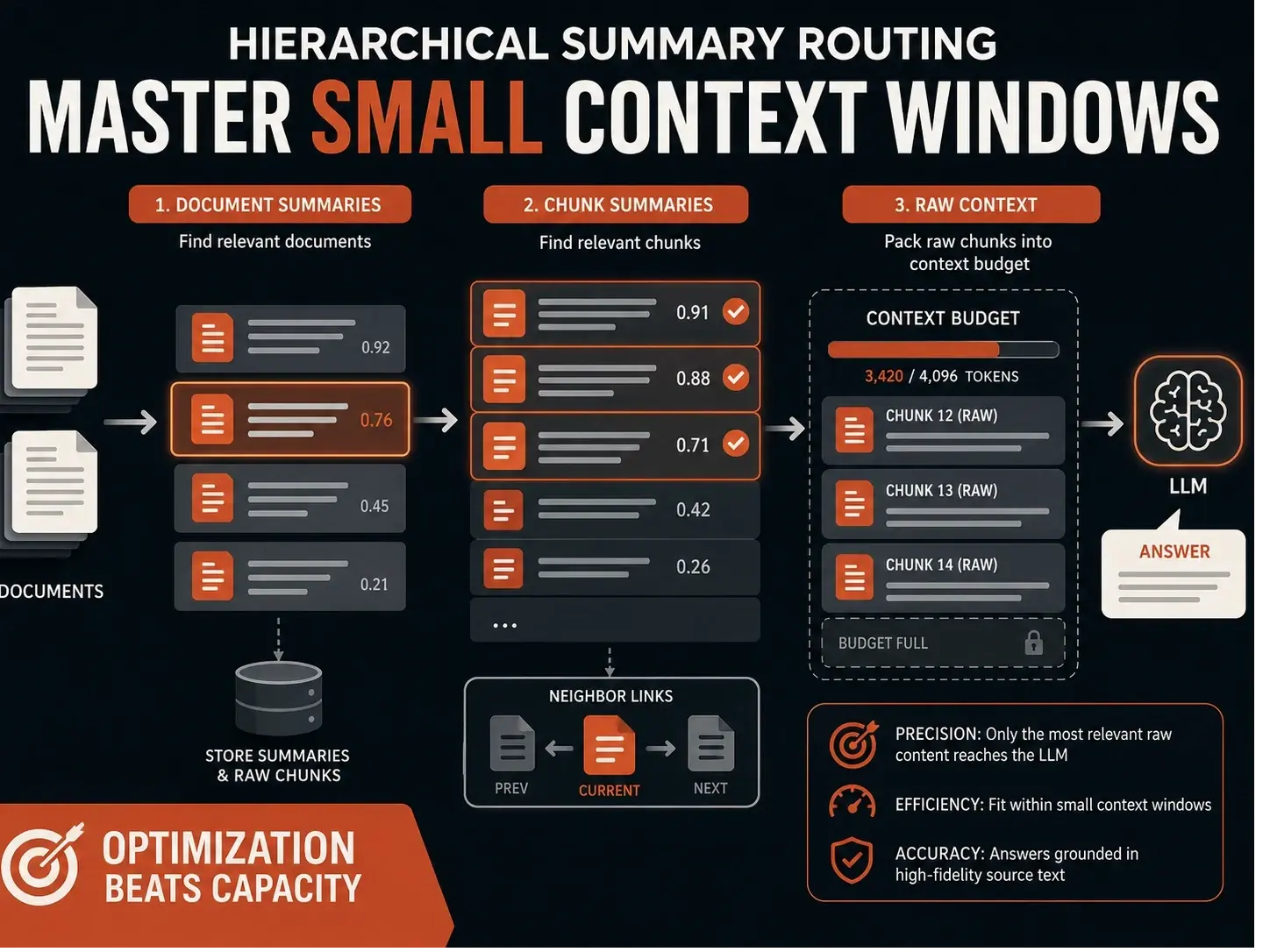
Stop Guessing Why Your RAG Fails: Mastering Small Context Window Limits
Standard RAG systems often fail on consumer hardware not because of poor retrieval, but because they lack a proper context budget. By implementing a hierarchical summary routing layer—using summaries for discovery and raw chunks for answering developers can ensure the most relevant evidence actually reaches the model, even within tight token constraints.


How to Remove Claude Fable 5.1's Text Watermark
Claude Fable 5.1 is the first Claude model to ship with an invisible text watermark live from launch. Here's what it actually marks, who can check for it, and what genuinely removes it.

Google Engineers' Best AI Prompts for Developers
Google Cloud asked ten of its own engineers what AI prompt they refuse to work without. The answers reveal a single pattern: turn AI into a skeptical second opinion, not an agreeable assistant.

This Stealth Model Makes Claude Code Free. Here's How.
An anonymous model called Ox Alpha landed on OpenRouter at $0 per token, and Claude Code is one of its biggest consumers. Here is the exact setup, plus the speed, privacy and expiry costs nobody puts in the tutorial.
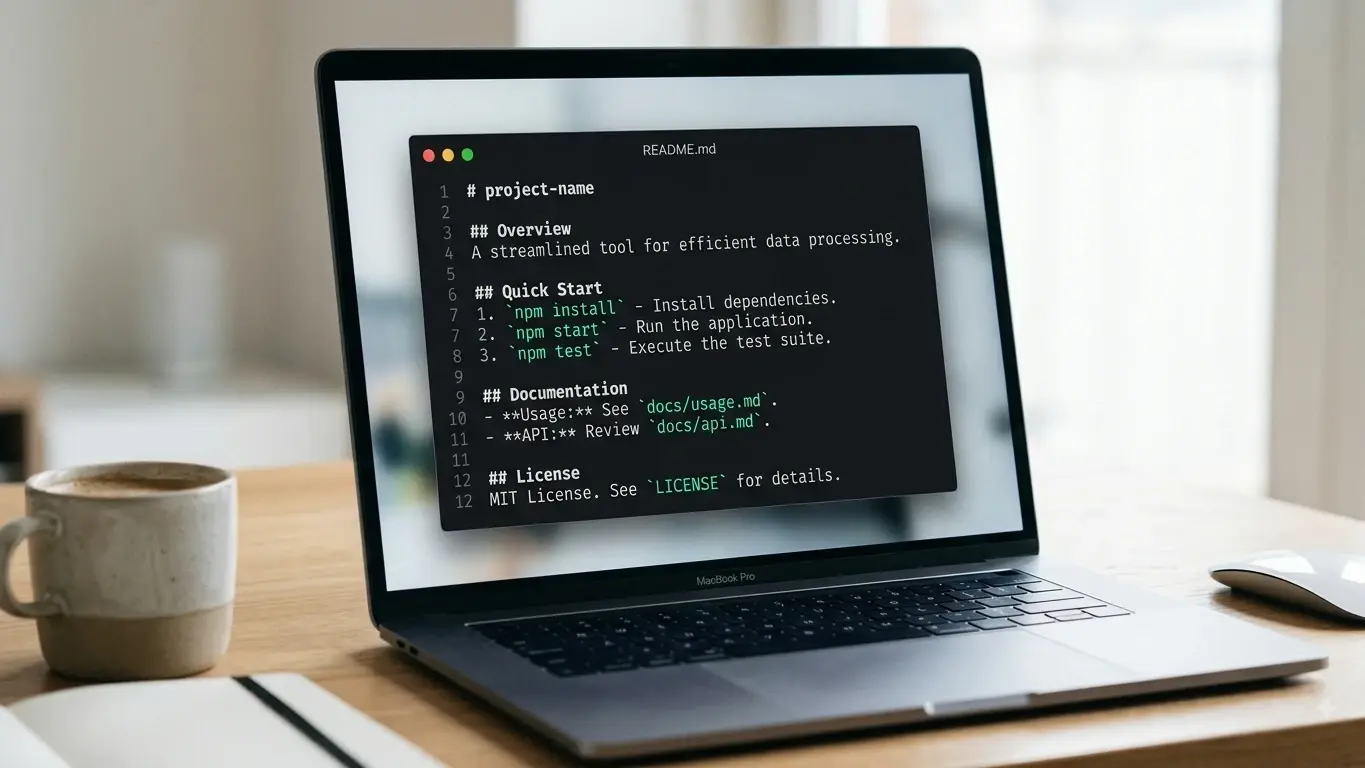
How to Write a CLAUDE.md File Claude Code Actually Follows
A good CLAUDE.md is short and specific, not long and thorough. Here's what actually belongs in one, what to cut, and why the line count matters more than most people realize.
How to Build Verification Loops in Claude Code With Skills
Learn how to turn the manual checks you already do into skills, so Claude Code tests, fixes, and verifies its own work automatically.