
How to Write a CLAUDE.md File Claude Code Actually Follows
A good CLAUDE.md is short and specific, not long and thorough. Here's what actually belongs in one, what to cut, and why the line count matters more than most people realize.
A good CLAUDE.md is short, specific, and only contains what Claude cannot already figure out on its own. That's the whole idea. Most files fail because they're either too vague to be useful or too long to be read properly. Get the length and the content right, and the rest follows.
If you've never touched one, CLAUDE.md is a markdown file Claude Code loads into every session automatically. Think of it as onboarding notes for a new hire who's smart but has never seen your codebase before.
Why line count is the whole ballgame
Claude Code's system prompt already carries a set of built-in instructions before your file even loads. One widely-cited HumanLayer engineering post estimates reliable compliance tops out somewhere around 150 to 200 additional instructions on top of that, a figure Anthropic itself hasn't published but that lines up with the behavior teams report. Push past that budget and the model doesn't just start ignoring the overflow. Compliance degrades across everything, the old rules included.
That's the actual mechanism behind Anthropic's official guidance to keep the file under 200 lines. It's not a style preference. It's a hard ceiling on how much a model can reliably hold onto at once, and every line in your file spends part of that budget whether it earns its keep or not.
Some teams take this further than the official number. HumanLayer's own production CLAUDE.md sits around 88 lines. Other teams run under 60. The pattern holds: shorter files get followed more consistently, because more of them actually gets read and weighted properly.
What actually belongs in the file
Put in only what Claude cannot infer by reading your code. That's the filter. Five things clear that bar:
- Non-obvious conventions. Things specific to your team, not general to the language.
- Hard rules. Branch policy, commit message format, anything that must never be broken.
- Domain terms. Business-specific words Claude would otherwise guess wrong. If "WorkoutSession" means something specific in your app, say so.
- Exact commands. The real build, test, and lint commands, not a description of what they roughly do.
- Pointers, not paragraphs. Link to docs/style.md instead of pasting the style guide in.
Everything else is noise competing for the same limited attention.
What to Leave Out
Standard language conventions are the biggest waste of space. Claude already knows JavaScript uses camelCase and Python uses snake_case. Writing that down teaches it nothing and costs a line anyway.
Full style guides are the second biggest waste, and honestly the one I see most often. If you want two-space indentation and no semicolons enforced, write a linter config or a Claude Code Stop hook that runs a formatter automatically. Don't ask an LLM to be your linter. It's slower, it's less reliable, and every rule you add there is a rule some other, more important instruction has to compete against.
Long explanations and tutorials belong in a separate doc, not in the main file. And don't repeat yourself. If a rule appears twice, one copy is dead weight.
The /init debate
Run /init and then trim aggressively, or skip it and hand-write every line from scratch. People genuinely disagree here, and I think the disagreement matters more than either side lets on.
DataCamp's guide treats /init as a reasonable starting point: generate it, then read every line and cut what's obvious. UnderstandingData argues the opposite outright, stating plainly that you should invest deliberate effort into crafting each line and skip auto-generation entirely.
I lean toward the DataCamp approach, with a condition. /init output is faster than a blank page, and speed matters when you're trying to actually finish the file instead of staring at it. But the condition is real: auto-generated content should never ship without a full read-through and a hard edit pass. If you're not willing to cut half of what /init gives you, you're better off starting from nothing, because a lightly-edited /init file is exactly the bloated, unfocused document that hurts compliance in the first place.
The one-line test for every rule
Before a line survives into the final file, ask: would removing this cause Claude to make a mistake? If the honest answer is no, cut it.
This is also where vague instructions get exposed. "Format code properly" tells Claude nothing verifiable. "Use 2-space indentation, no semicolons, single quotes" gives it something it can actually check itself against. Specificity isn't a nice-to-have here. It's the difference between an instruction Claude can follow and one it has to guess at.
Progressive disclosure: how this scales past one file
For anything bigger than a small project, one CLAUDE.md doesn't scale. The fix teams keep landing on independently, root file for global policy, and separate files that only load in the directories they're relevant to.
Keep the root file lean: overview, architecture, core commands, hard rules. Push domain-specific detail like database schema notes or service-specific conventions into their own files, and reference them by path from the root file instead of pasting them in.
This solves a second problem too. Inline code snippets in CLAUDE.md go stale the moment the code changes. A file:line reference doesn't, because it points at the current state of the file instead of a frozen copy of it.
A minimal starting template
If you're starting from a blank page, this covers the essentials without any dead weight:
# Project Name
>>> Short Project Overview

## Stack
- [languages, frameworks, key libraries]

## Structure
- src/
- tests/
- scripts/

## Commands
- [package manager] dev
- [package manager] test
- [package manager] build

## Conventions
- [non-obvious, team-specific rules only]

## Before Committing
- [command]
- [command]

## Documentation
- docs/[relevant-file].md
Fill in only what applies. Leave the rest out. You can always add a section later, and every line you add after the fact will come from a real problem you actually hit, which is a better source of truth than guessing upfront what you might need.
If you've already got a CLAUDE.md sitting in your repo, don't start over. Run every line through the one-line test above and see how much survives. Most files lose more than half.

FAQ
Frequently Asked Questions
[ Related ]
More in Tips & Tutorials

How to Remove Claude Fable 5.1's Text Watermark
Claude Fable 5.1 is the first Claude model to ship with an invisible text watermark live from launch. Here's what it actually marks, who can check for it, and what genuinely removes it.


This Stealth Model Makes Claude Code Free. Here's How.
An anonymous model called Ox Alpha landed on OpenRouter at $0 per token, and Claude Code is one of its biggest consumers. Here is the exact setup, plus the speed, privacy and expiry costs nobody puts in the tutorial.
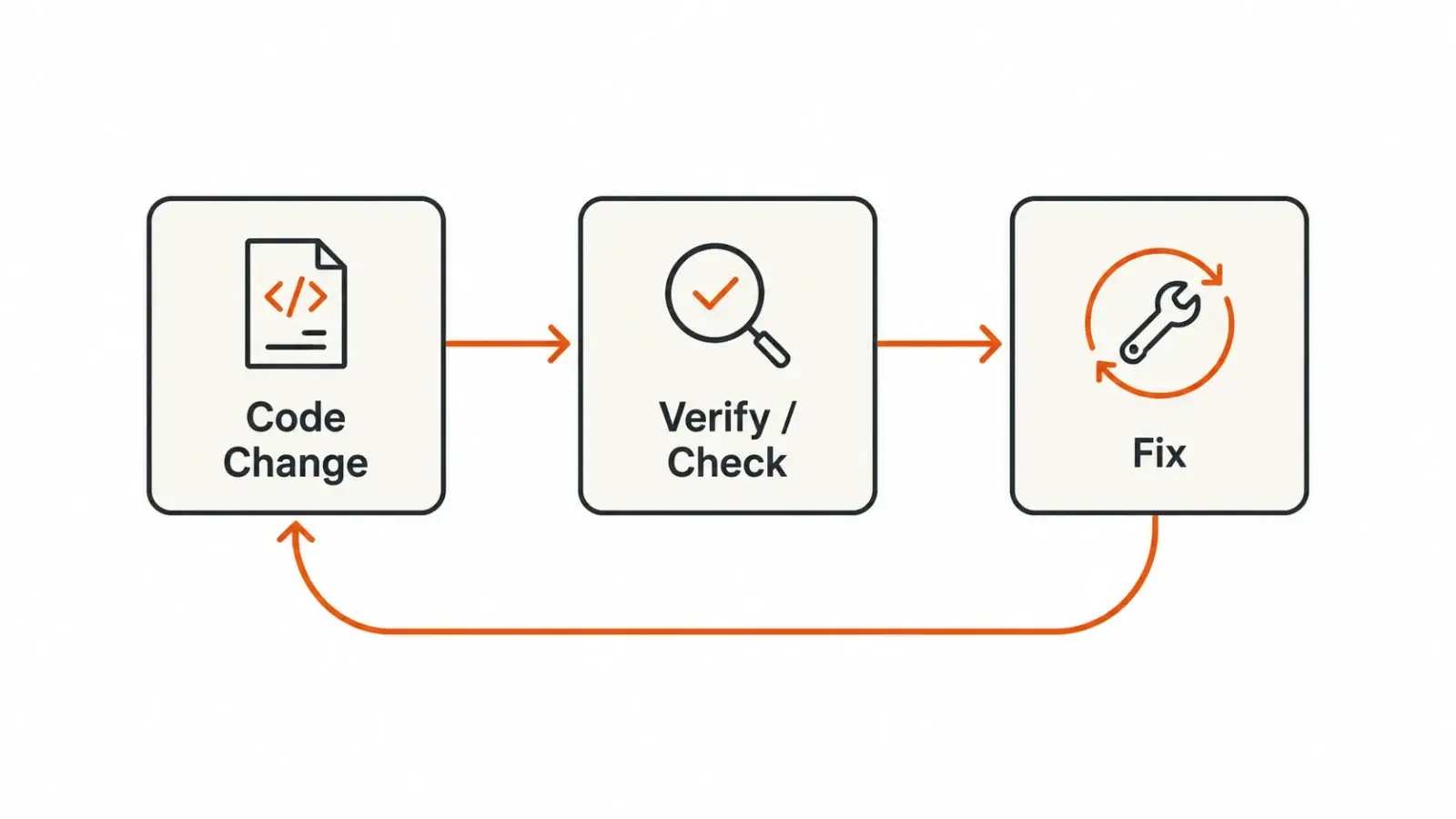
How to Build Verification Loops in Claude Code With Skills
Learn how to turn the manual checks you already do into skills, so Claude Code tests, fixes, and verifies its own work automatically.

How to Run an AI Chatbot Locally on Your Own PC
A step-by-step guide to running a private, offline AI chatbot on your own PC using free tools like Ollama and LM Studio, plus the hardware, models, and tradeoffs to know before you start.

Google Engineers' Best AI Prompts for Developers
Google Cloud asked ten of its own engineers what AI prompt they refuse to work without. The answers reveal a single pattern: turn AI into a skeptical second opinion, not an agreeable assistant.
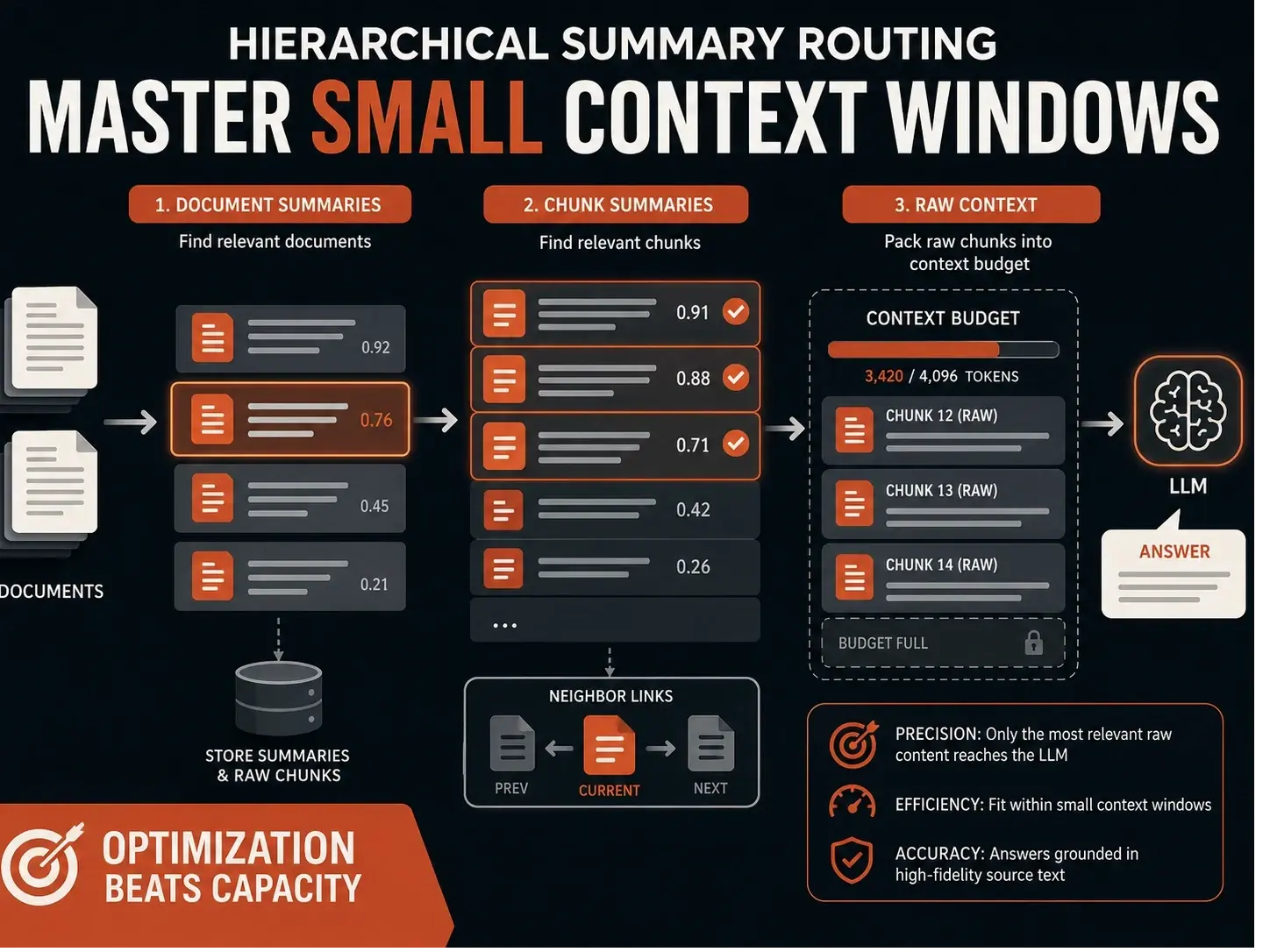
Stop Guessing Why Your RAG Fails: Mastering Small Context Window Limits
Standard RAG systems often fail on consumer hardware not because of poor retrieval, but because they lack a proper context budget. By implementing a hierarchical summary routing layer—using summaries for discovery and raw chunks for answering developers can ensure the most relevant evidence actually reaches the model, even within tight token constraints.